CONTENT OPERATIONS · ATLAS
Atlas CMS
One system for organising engaging learning content and delivering the right courses to different organisations.
Discuss your learning-content needs- system
- Atlas CMS
- focus
- Course creation, management and distribution
- engagement
- Content strategy, product design and engineering
- status
- Production-ready and supporting organisational learning programmes
01 · The challenge
A learning platform is only as useful as the content inside it.
Many organisations have access to an LMS but still struggle to keep employees interested in their courses. Training material is often distributed as lengthy PDFs, presentations or recordings that were not designed for focused digital learning.
Creating better content introduces another challenge. Courses, videos, assessments and publication decisions must be organised in one place, while different organisations may require different selections from the same growing catalogue.
Von Newman needed a content system that could support its own video production process, maintain a structured course library and deliver selected content to more than one learning environment.
02 · The solution
The content and publishing engine behind Atlas learning.
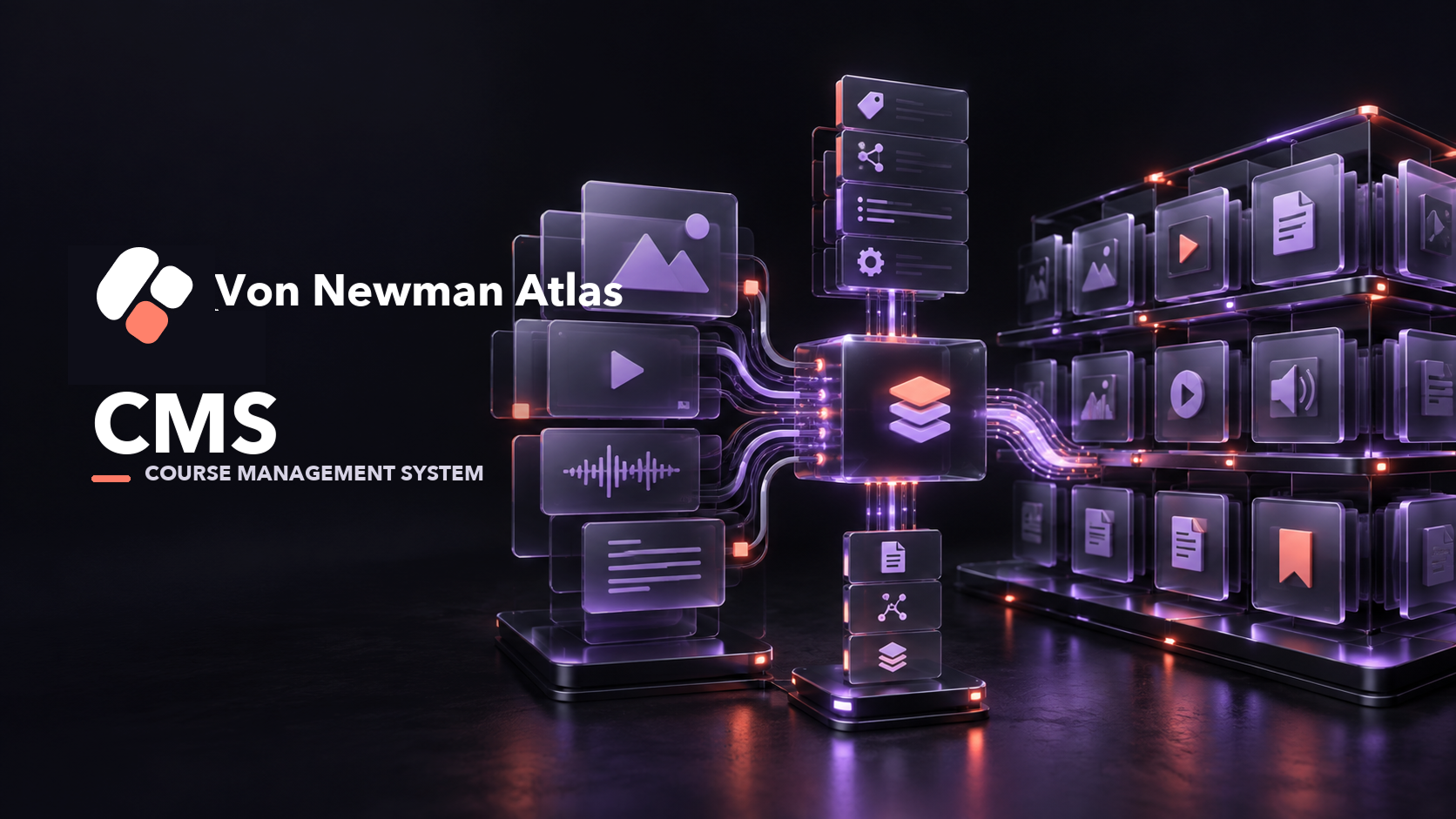
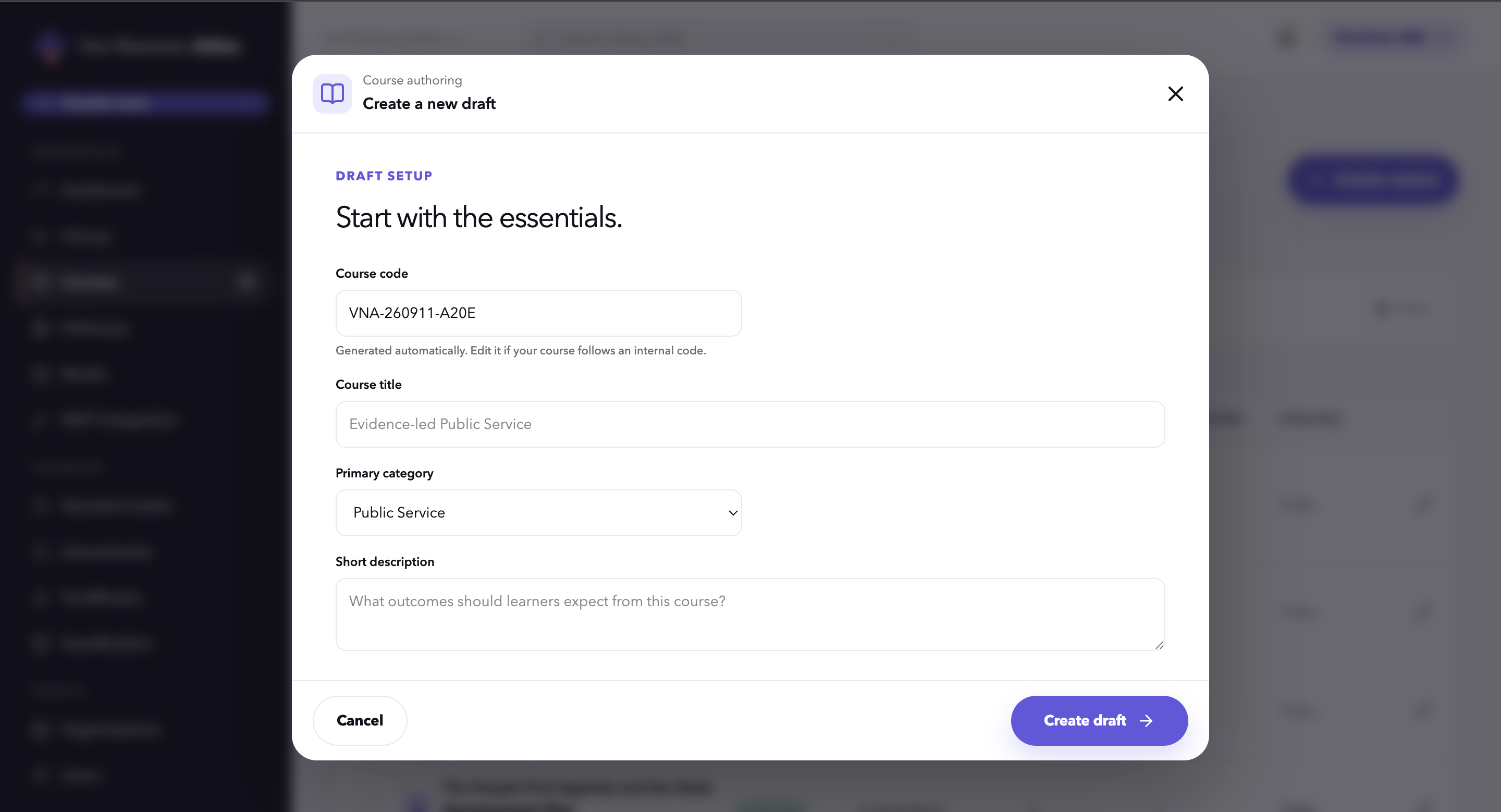
Atlas CMS provides a structured library for courses, short video lessons, quizzes and related learning material. Content teams can prepare and manage a course before it is released to learners.
An organisation can select the courses relevant to its workforce. The approved content can then be published to that organisation's Atlas LMS environment or, where the client's platform is compatible and the integration is agreed, supplied to a separate LMS through an API.
This separates content operations from learning delivery while keeping the two connected. Atlas CMS manages what is created and published; the receiving LMS manages the learner's access, progress and completion.
03 · How it works
From subject matter to published course.
04 · Core capabilities
What sits inside the system.
- 01
Structured management of courses and learning pathways.
- 02
Organisation of short video lessons and supporting materials.
- 03
Quiz and assessment configuration.
- 04
Course metadata and catalogue management.
- 05
Review and publishing workflows.
- 06
Course selection for different organisations.
- 07
Publishing into Atlas LMS.
- 08
API-based distribution to compatible third-party learning platforms.
- 09
Central maintenance of a growing learning-content library.
05 · Von Newman's role
Content production supported by purpose-built technology.
Von Newman designs and engineers Atlas CMS and produces the video-led learning material managed within it. The team structures source material for digital learning, develops short lessons, assembles courses and prepares them for distribution.
The system has also been used to support contracted video-production work for government organisations, including programmes in which the completed material is prepared for delivery to the organisation's learning environment.
06
What the system makes possible.
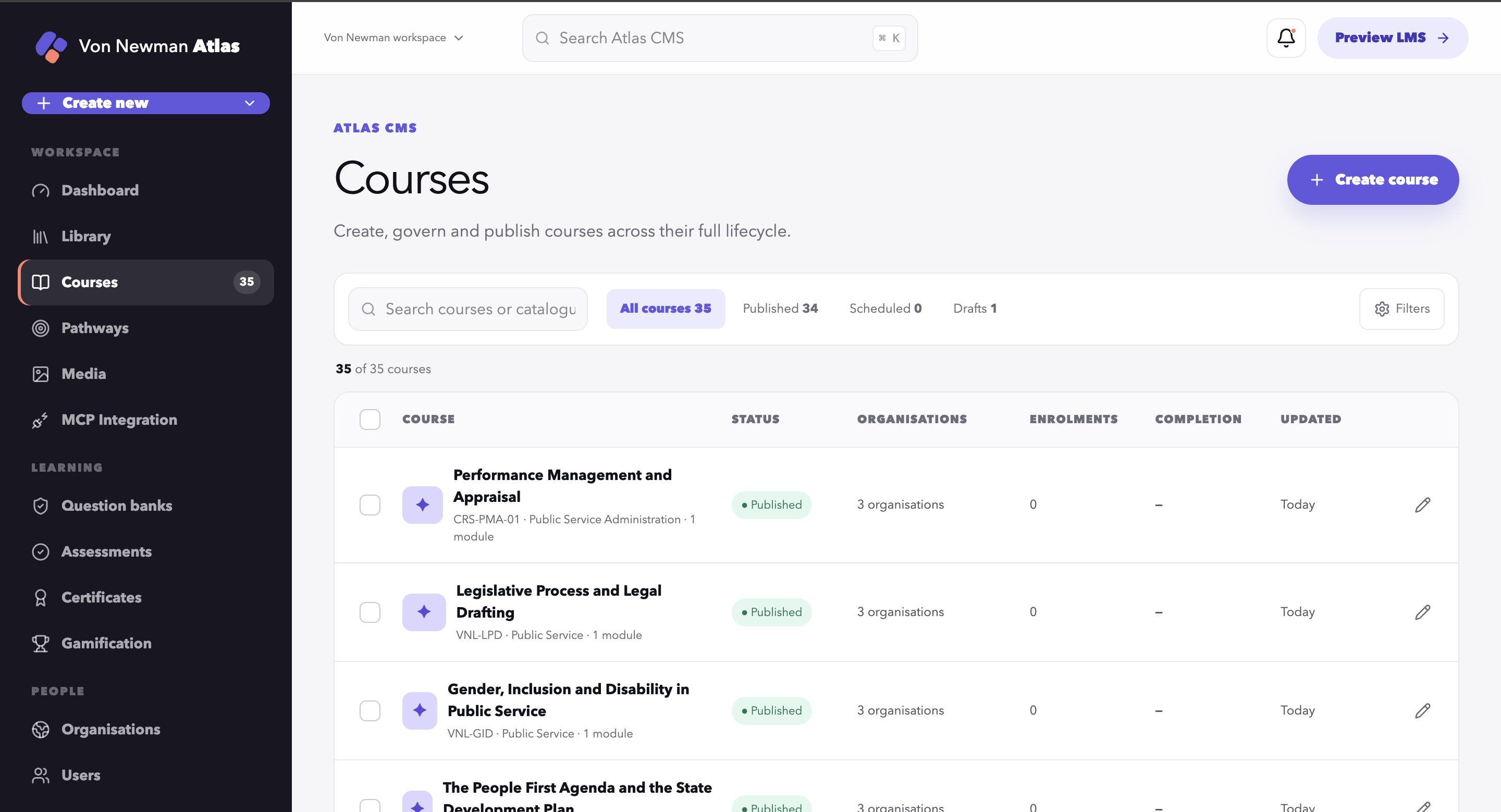
07 · Product evidence
See the system in context.
Next step
Give useful knowledge a better way to reach your people.
Talk to us about video-based course production, content management or delivery to your learning platform.
Discuss your learning-content needsContinue exploring